How to accept HKD payments online: selling to Hong Kong in Hong Kong dollars
How to accept HKD (Hong Kong dollar) payments online: pricing in HKD, the payment methods on offer, fees, the HKD balance and payouts, and limits.
On this page
To accept HKD payments online, you need a checkout that charges in Hong Kong dollars, the payment methods your Hong Kong buyers use, and an account that holds the HKD you receive and pays it out to your bank. A cross-border payment provider can cover all three, so you can take HKD without opening a merchant account with a Hong Kong acquirer first.
This guide explains how to accept HKD payments with KukoPay: getting HKD enabled, creating orders in HKD, which payment methods are offered, what it costs, how the HKD balance and payouts work, and the limits and language details worth knowing.
Why price in HKD for Hong Kong buyers?
- No conversion for the buyer. A price in HK$ is the amount they pay, not an estimate that their card issuer converts at its own rate.
- No conversion for you. On KukoPay an HKD order is charged, credited, refunded and paid out in HKD; nothing is converted automatically, so no exchange margin sits between the price and what you receive.
- A clearer receipt. The receipt, refunds and statements all show the same HK$ figure.
How to accept HKD payments with KukoPay
Get verified and have HKD enabled
The sandbox takes HKD with no review. For live payments, currencies are enabled when your business verification is approved — ask for HKD when you apply, or ask the platform to add it later. A company registered in Hong Kong, or anywhere outside mainland China, verifies as an overseas entity with its certificate of registration and its directors' ID documents. See what is KYB verification.
Create orders in HKD
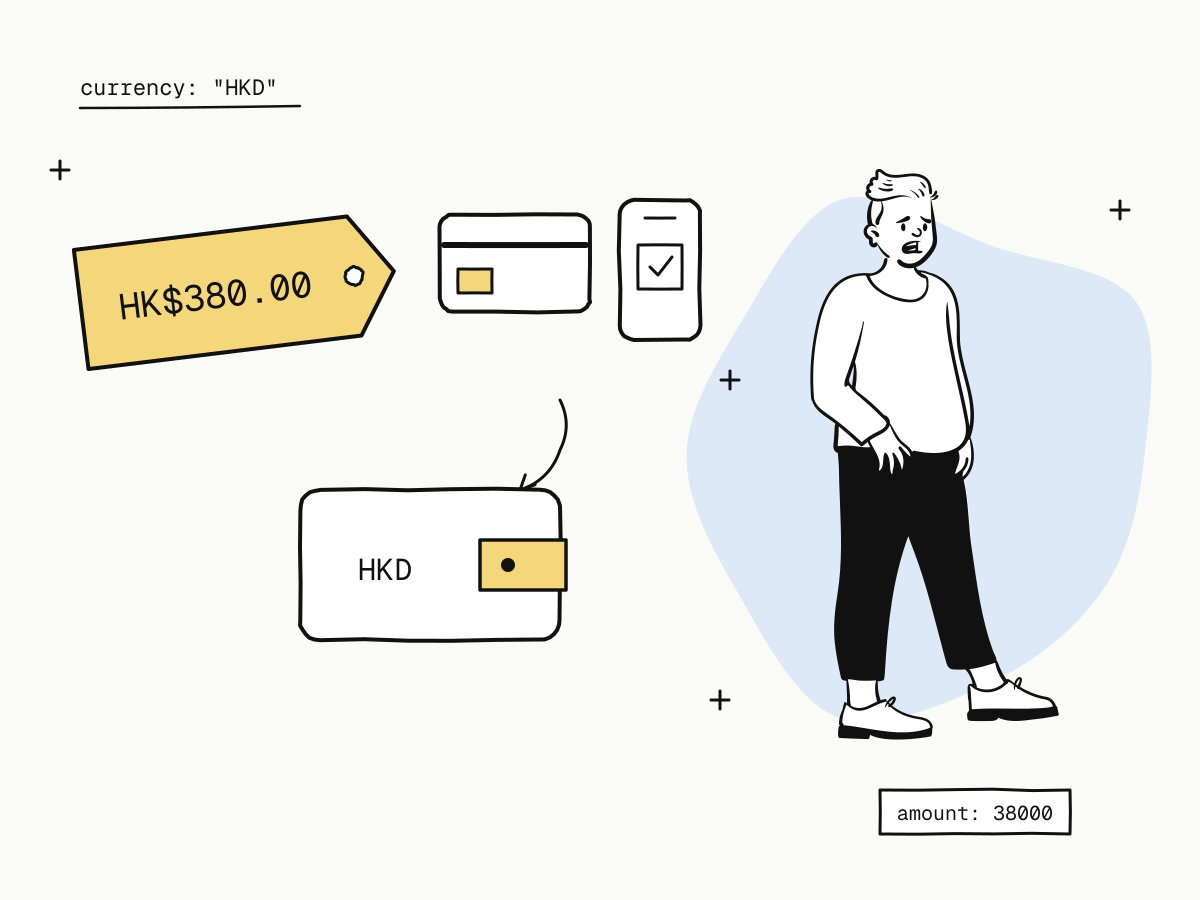
Set "currency": "HKD" and give the amount in cents: 38000 is HK$380.00. Amounts are always whole numbers in the minor unit.
Send the buyer to the checkout
Redirect to the order's checkout_url, and fulfil on the payment.succeeded webhook rather than on the buyer's return — see return_url vs notify_url.
curl -X POST "https://api.kukopay.com/v1/orders" \
  -H "Content-Type: application/json" \
  -H "X-Api-Key: $KUKOPAY_API_KEY" \
  -d '{
    "out_trade_no": "HK_20261110_0001",
    "amount": 38000,
    "currency": "HKD",
    "subject": "Annual membership",
    "notify_url": "https://shop.example.com/webhooks/kukopay"
  }'
Which payment methods can take HKD?
KukoPay's checkout offers cards, Apple Pay, Google Pay, Alipay, WeChat Pay and PayPal. Which of them a buyer sees depends on what is enabled on your account and what is available for the order, so a method that cannot take an HKD order is not offered.
Local Hong Kong methods such as FPS, PayMe or Octopus are not among them. If most of your buyers expect one of those, take that into account when you choose how to sell to them.
Cards, Apple Pay and Google Pay are paid in a card form or with an express button on the checkout — see how to accept Apple Pay and Google Pay.
What does it cost to accept HKD?
Standard pricing is 3.5% plus HK$2.35 per successful payment on an HKD order; signed rates can differ by payment method group.
HK$380.00 card payment   fee = round(38000 × 3.5% + 235) = 1565 → HK$15.65, net HK$364.35
HK$50.00 card payment    fee = round(5000 × 3.5% + 235)  = 410  → HK$4.10,  net HK$45.90
The fixed fee weighs heavily on small HKD orders — HK$2.35 is almost 5% of a HK$50 order on its own. How cross-border payment fees are calculated works through the effective rate.
How is HKD held and paid out?
- A separate HKD balance. HKD payments are credited to your HKD wallet, refunds come out of it, and HKD payouts are made from it. USD and CNY are separate wallets.
- Payouts go to your reviewed settlement account, with a minimum of HK$100.00 per payout and a flat fee per payout — see what is payment settlement and the payout rules.
- Reconcile per currency. Do not add HKD and USD totals together; the dashboard and the balance API report each currency on its own.
Details that matter when selling to Hong Kong
- Language. The checkout speaks English, Chinese, Japanese, Korean and German, and its Chinese is written in traditional characters, the script read in Hong Kong. Pass
"locale": "zh"on the order or add&locale=zhto the checkout URL — see multilingual checkout. - Limits for individual merchants. If you are verified as an individual, HKD payments are capped by default at HK$8,000 per payment, HK$40,000 per rolling 24 hours and HK$240,000 per rolling 30 days — see payment limits explained.
- Wallet refunds have a deadline. Some methods, Alipay and WeChat Pay among them, can only be refunded within a window; the order's
refundable_untilgives the date. See partial refunds explained. - Test in HKD first. The sandbox takes HKD orders with test cards and test wallets — see test credit card numbers.
Summary
- To accept HKD payments online you need HKD pricing, payment methods your buyers use, and an HKD balance to hold and pay out from;
- on KukoPay: have HKD enabled at approval, create orders with
currency: "HKD"and amounts in cents, and fulfil on the webhook; - cards, Apple Pay, Google Pay, Alipay, WeChat Pay and PayPal are offered where available; FPS, PayMe and Octopus are not;
- standard pricing is 3.5% plus HK$2.35 per payment; HKD is its own balance, paid out with a HK$100.00 minimum;
- individual merchants have HKD limits, and the Chinese checkout is in traditional characters.
Try it in the sandbox
Create a merchant account and request a test key. The sandbox needs no business verification.