Duplicate payments: what to do when a customer says they were charged twice
What to do about duplicate payments when a customer says they were charged twice: find out what happened, refund the right one, and prevent it.
On this page
A duplicate payment is when a buyer pays twice for the same purchase. To the buyer it shows up as "I was charged twice"; to you it can be three quite different things — two real payments on one order, two orders for one purchase, or one payment plus an attempt that never went through. The fix depends on which, so the first step is always to find out what actually happened, and the second is to refund the right charge before the buyer asks their bank to.
This guide explains how duplicate payments happen, how KukoPay handles a second payment on the same order for you, how to deal with the cases it cannot know about, and how to prevent them.
Why do customers get charged twice?
- Two payments on one order. The buyer starts paying with one method, comes back and pays with another, or a payment arrives after the order was already paid or closed.
- Two orders for one purchase. A double-click, a retried request or a page reload creates a second order, and the buyer pays both.
- An attempt that only looks like a charge. A declined or abandoned attempt can appear as a pending item in the buyer's banking app for a while, even though it was never captured. Often there is only one real charge.
How KukoPay handles a duplicate payment on the same order
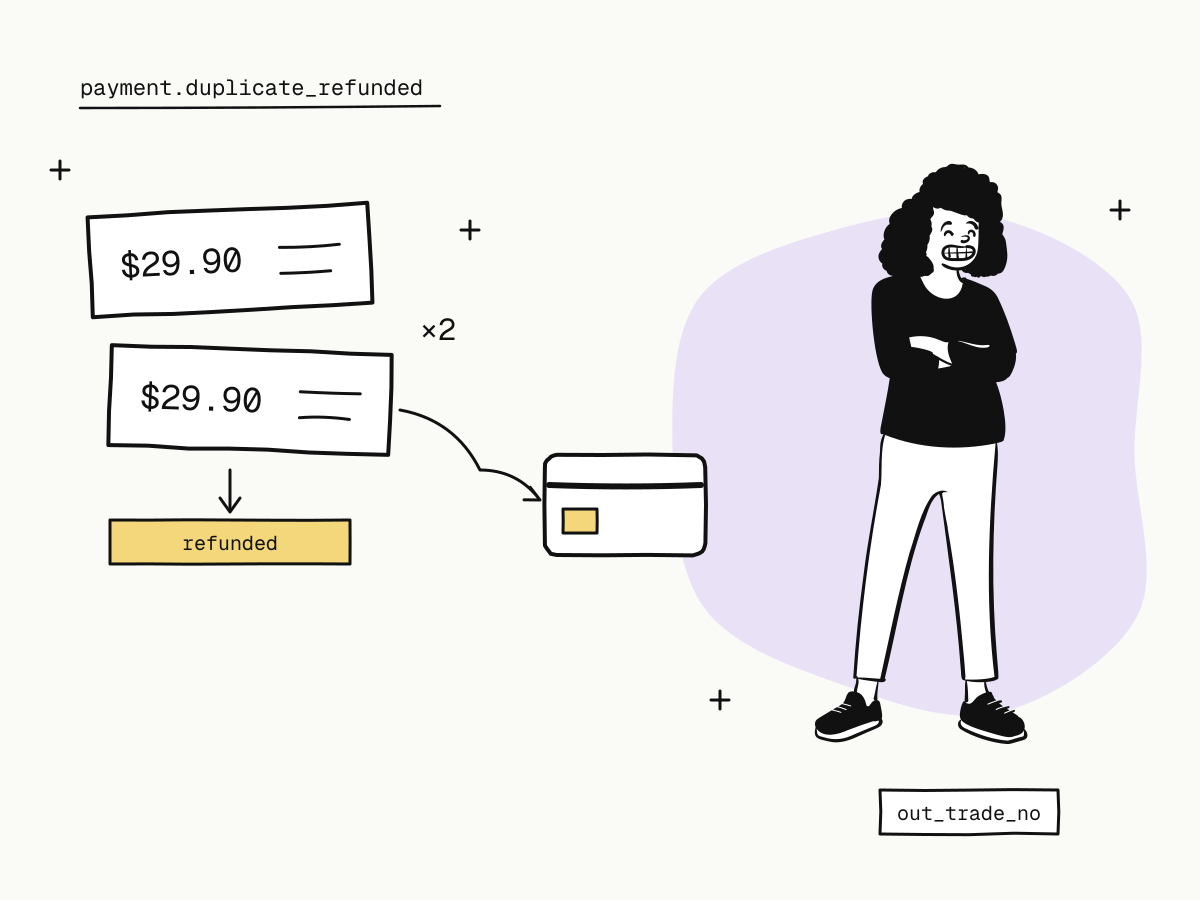
An order takes one payment. When a buyer switches payment method at checkout, the unfinished payment is cancelled first, and a new one is created only once the cancel is confirmed; if the first payment turns out to have been completed in the meantime, the order is settled with it and the buyer is not asked to pay again.
If a payment still arrives for an order that can no longer take one, it is handled automatically:
| Order status when the payment arrives | What happens |
|---|---|
pending (not yet paid) | The payment is credited as normal and payment.succeeded is sent |
Any other status (paid, partially_refunded, refunded, expired, failed) | The payment is refunded to the buyer in full, and payment.duplicate_refunded is sent |
That refund never touches your balance — the money was never credited — so it creates no fee and no refund entry, and you do not need to act on payment.duplicate_refunded; it is a notice. The rules are in the payment flow documentation.
One consequence for your integration: an order's payment_id can change during checkout. Match payments by trade_no / out_trade_no and the payment.succeeded event, never by payment_id — see payment status explained.
How to handle a duplicate payment the platform cannot see
When the buyer paid two different orders, both payments are genuine as far as anyone else can tell — only you know they were for one purchase. To resolve it:
Find both orders
Find the buyer's two orders in your own system, then look each one up by its out_trade_no in the dashboard or through the API. Check that both are paid — an order that is pending or expired was never charged.
Refund the duplicate in full
Refund the order you did not fulfil, with an out_refund_no so a retry cannot refund twice — see partial refunds explained for how refunds settle.
Tell the buyer
Say which charge was refunded, for how much, and that their bank or wallet may take a few days to show it.
curl -X POST "https://api.kukopay.com/v1/refunds" \
  -H "Content-Type: application/json" \
  -H "X-Api-Key: $KUKOPAY_API_KEY" \
  -d '{
    "trade_no": "TRD_9F3A...",
    "out_refund_no": "REF_DUP_ORD_1002",
    "reason": "Duplicate payment"
  }'
Leaving out amount refunds whatever remains of the order. The payment fee on the refunded order is not returned, which is one more reason to prevent duplicates rather than refund them.
When there is only one real charge, explain that the other line is a pending authorisation or a failed attempt that the bank will release, and send the receipt for the payment that went through.
Duplicate payments and chargebacks
A buyer who sees two charges and cannot reach you may dispute one as "duplicate processing". Refunding quickly is far cheaper than a dispute, which freezes the amount at once and counts toward your chargeback rate. If you do receive one:
- if it really was a duplicate, accept it rather than refund — once a dispute is open, a refund of that order is refused, because the buyer would be repaid twice;
- if the two charges were for different purchases, answer with evidence that they are distinct, such as the two receipts (
invoice_showing_distinct_transactions) — see the chargeback guide.
How to prevent duplicate payments
- Make order creation idempotent. Send the same
out_trade_nofor the same purchase: a repeat with the same content returns the existing order instead of creating a second one. See what is an idempotency key. - Reuse the order's
checkout_url. If a buyer comes back to pay, send them to the order they already have; the link stays valid for its lifetime (24 hours by default). - Disable the pay button after the first click, and show progress while the order is created.
- Fulfil once. Store each webhook event
idunder a unique constraint so a redeliveredpayment.succeededcannot ship twice — see payment webhook idempotency. - Send receipts. With
receipt_emailon the order, the buyer gets one receipt per real payment, which settles most "was I charged twice?" questions on its own — see payment receipts.
Summary
- Duplicate payments come from two payments on one order, two orders for one purchase, or an attempt that only looks like a charge;
- on KukoPay, a second payment on an order that is no longer pending is refunded to the buyer in full automatically and reported as
payment.duplicate_refunded, with no effect on your balance; - two paid orders for one purchase are yours to spot: refund one in full with an
out_refund_noand tell the buyer; - refund before a dispute; if a real duplicate is disputed, accept rather than refund;
- prevent duplicates with a stable
out_trade_no, reused checkout links, a one-click pay button and webhook deduplication.
Try it in the sandbox
Create a merchant account and request a test key. The sandbox needs no business verification.