Webhooks out of order: how to handle events that arrive in the wrong sequence
Why webhooks can arrive out of order, what goes wrong if you apply them as they come, and four ways to handle event ordering safely in a payment integration.
On this page
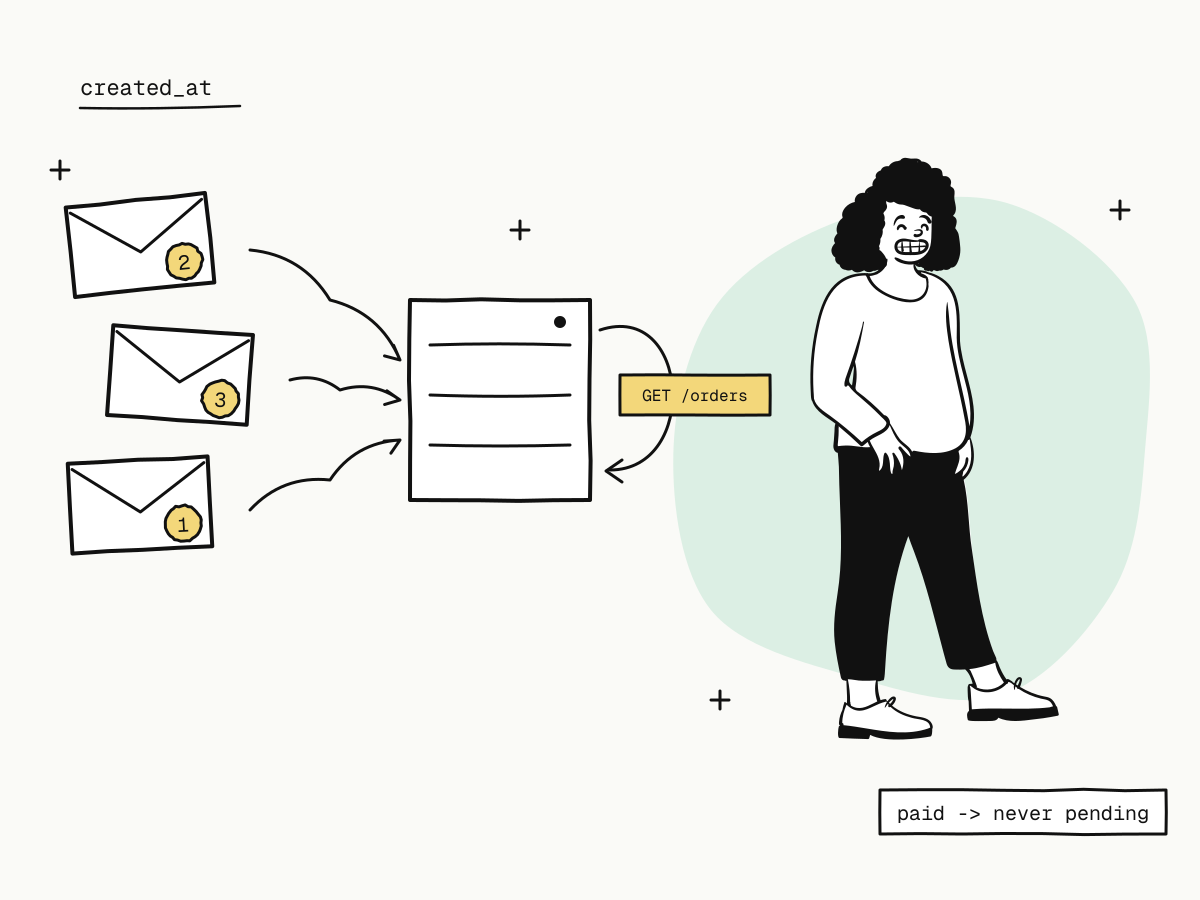
Webhooks can arrive out of order. An event that happened second can reach your server first, because each delivery is its own HTTP request: one may be retried after a timeout while the next goes through at once, or two may simply be processed by your servers in parallel. If your handler applies events in the order they arrive, a late "pending" can overwrite a "paid", or a refund can be processed before the payment it refunds.
This guide explains why webhook event ordering is not guaranteed, what goes wrong when you assume it is, and four ways to handle out-of-order webhooks safely in a payment integration.
Why webhooks arrive out of order
- Retries. A delivery that fails or times out is retried later — after 30 seconds, then 2 minutes, 10 minutes, 30 minutes and 2 hours. Meanwhile, later events for the same order are delivered on their own schedule.
- Independent endpoints. With several webhook endpoints, each retries independently, so each sees its own sequence.
- Your own concurrency. Two webhooks a second apart can be handled by two workers, and the second can finish first.
- Recovery. Events read back later from the events API, or redelivered by hand, arrive long after newer ones.
So treat order as a hint at most. Each event carries created_at — when it happened — but your code should not need events to arrive in that order.
What goes wrong with naive ordering
| Arrives first | Arrives second | If you apply them in arrival order |
|---|---|---|
refund.succeeded | payment.succeeded | You process a refund for an order you have not marked paid |
payment.succeeded | (a retried, stale status update) | A paid order goes back to "pending" in your database |
dispute.won | dispute.created | The dispute is reopened after it was settled |
Four ways to handle out-of-order webhooks
1. Make status transitions one-way
Model the order's status as a state machine and refuse to move backwards: once paid, a payment event can never return it to pending. KukoPay's own statuses work this way — an order goes from pending to paid, expired or failed, and a paid order only moves on to partially_refunded or refunded. If your table mirrors that, a stale event becomes a no-op.
2. Read the current state instead of trusting the event
The event's data.object is a snapshot of the object when the event happened. When the order of events matters, fetch the current state instead:
curl "https://api.kukopay.com/v1/orders/ORD_20261117_0001" \
  -H "X-Api-Key: $KUKOPAY_API_KEY"
Use the webhook as the signal that something changed, and the order lookup as the answer to what it is now. The same works for refunds (GET /v1/refunds/{refund_no}) and disputes. It costs one read request per webhook, well inside the read rate limit — see API rate limits.
3. Compare timestamps before overwriting
If you store state from events, store the event's created_at alongside it and ignore an incoming event that is older than what you already have for that object. This is the cheapest guard against stale updates when you cannot afford a lookup.
4. Deduplicate by event id
Ordering and duplicates come together: a retried event can arrive after you already processed it. Insert each event id under a unique constraint, in the same transaction as the state change, and skip any id you have seen — see payment webhook idempotency.
Out-of-order webhooks in practice
- Refund before payment. If
refund.succeededarrives for an order you still have as unpaid, look the order up: it isrefundedorpartially_refunded, which means it was paid first. Record both. - Dispute events.
dispute.created→dispute.updated→dispute.won,dispute.lostordispute.closed. Once you have a final outcome, ignore anything earlier — or readGET /v1/disputes/{dispute_no}. - Failed or expired, then paid? It cannot happen. A declined card is not an event — the order stays
pendingand the buyer retries — andpayment.failed/payment.expiredmean the order is closed. A payment that still arrives for a closed order is refunded to the buyer and reported aspayment.duplicate_refunded, never aspayment.succeeded— see duplicate payments. - Fulfil once. However events arrive, ship on the first
payment.succeededyou see for an order and never again.
Recovering a gap
If you suspect you missed events — your endpoint was down, or a deploy dropped some — list them from the events API by time window, newest first, and process them with the same rules: deduplicate, refuse backward transitions, and look up the current state when in doubt. See webhook not received.
Summary
- Webhooks can arrive out of order because of retries, independent endpoints, your own concurrency and later recovery;
- never let arrival order decide state: make status transitions one-way, and refuse to move a paid order backwards;
- when order matters, use the webhook as a signal and read the current object from the API;
- store
created_atto ignore stale events, and deduplicate by eventidin the same transaction as the change; - fulfil once per order, whatever order the events arrive in.
Try it in the sandbox
Create a merchant account and request a test key. The sandbox needs no business verification.