API key in frontend code: why a payment API key must stay on your server
Is it safe to put an API key in frontend JavaScript? Why a payment API key stays on your server, how browsers pay without one, and what to do after a leak.
On this page
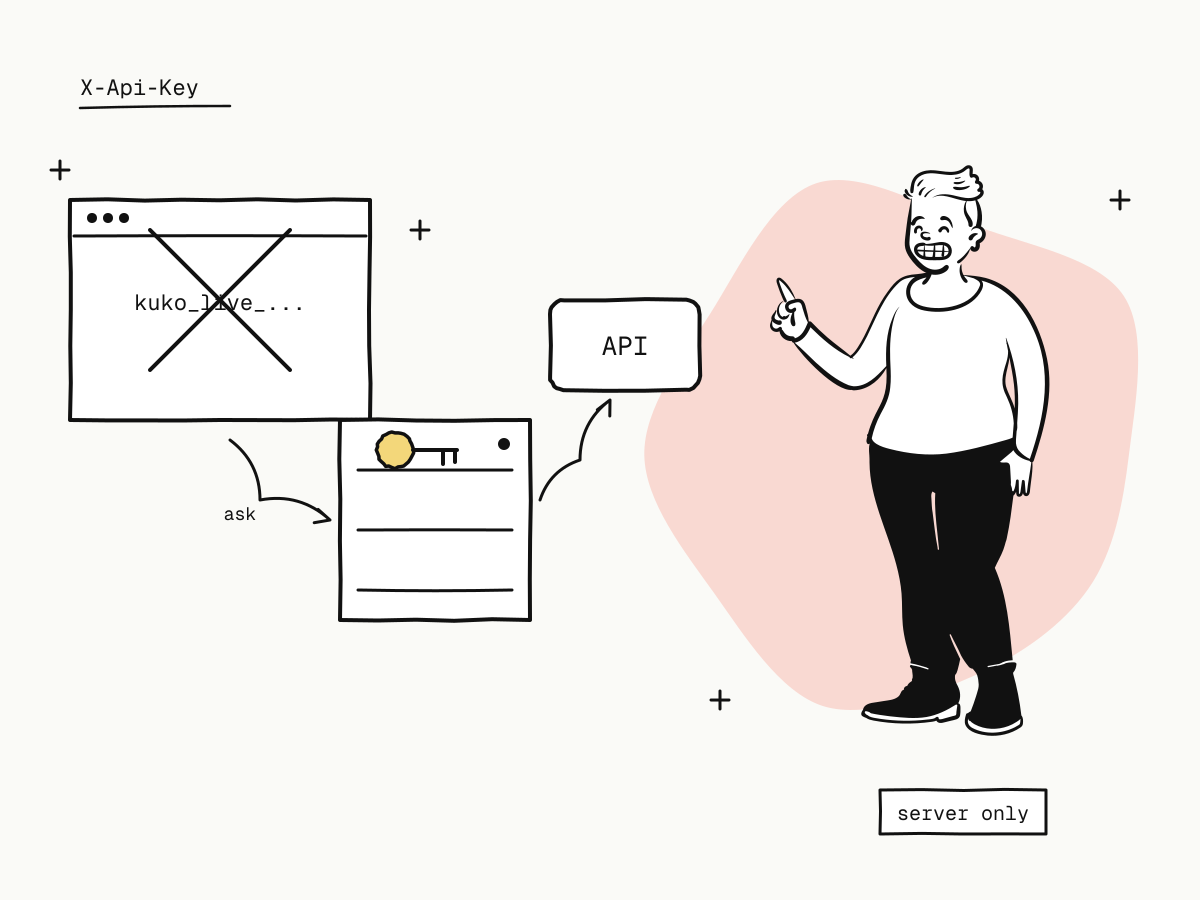
Putting an API key in frontend code — browser JavaScript, a mobile app, a desktop app — means giving it to everyone who uses that code. Anything shipped to a device can be read: in the browser's developer tools, in the network tab, in the bundled source, in the app package. For a payment API key that is not a theoretical risk. The key creates orders, issues refunds and reads your balance, so whoever finds it can act as your server.
This guide explains why a KukoPay API key must stay on your server, how a browser or mobile app takes payments without one, where to keep the key, and what to do if one has already leaked.
Why you cannot hide an API key in frontend code
- Minifying or obfuscating does not help. The key has to be in the code in a usable form for the code to use it.
- Environment variables in a frontend build do not help. A bundler that injects
process.env.Xwrites the value into the compiled JavaScript. - Mobile apps do not help. An app package can be unpacked, and its traffic can be inspected on a device the attacker owns.
- "Only my site calls it" is not a control. Anyone can copy a request out of the network tab and replay it from a script.
Some payment providers issue a separate publishable key that is designed to be public and can only do a few harmless things. KukoPay has no such key: every KukoPay API key is a secret, server-side key with full API access for its app, which is why the docs are blunt — never put it in browser JavaScript, a mobile app or a public repository.
How a browser takes payments without a key
You do not need a key in the browser at all, because the buyer pays on KukoPay's hosted checkout:
- The browser asks your server to start checkout — your own endpoint, with your own session or login.
- Your server creates the order with
POST /v1/orders, using the API key from its environment. - Your server returns the
checkout_url, and the browser redirects to it. - The buyer pays on the hosted page, which carries its own short-lived, signed token for that one order.
- Your server learns the result from the webhook — see return_url vs notify_url.
// Server (Express) — the only place the key exists
app.post("/checkout", requireLogin, async (req, res) => {
  const order = await fetch("https://api.kukopay.com/v1/orders", {
    method: "POST",
    headers: {
      "Content-Type": "application/json",
      "X-Api-Key": process.env.KUKOPAY_API_KEY,
    },
    body: JSON.stringify({ out_trade_no: req.body.cartId, amount: priceFor(req.body.cartId), currency: "USD" }),
  }).then((r) => r.json())
  res.json({ checkout_url: order.data.checkout_url })
})
Note priceFor(...): the server decides the amount. A browser that sends the price can send any price. The same pattern works for a mobile app: the app calls your backend, your backend creates the order, and the app opens the checkout_url. See what is a hosted payment page.
Where to keep the API key on the server
- In the server's secret store or environment, never in the repository. Add the key's file to
.gitignore, and check it is not baked into a container image layer. - One key per server or purpose. An app can hold several live keys at once, each with its own name, so you can tell which system made a call and revoke one without touching the others.
- Restrict where it can be used from. An IP allowlist makes a leaked key useless from anywhere else — see API IP whitelisting.
- Keep test and live apart.
kuko_test_keys can only create sandbox data;kuko_live_keys move real money. Never use a live key in development — see sandbox vs live mode. - Do not log it. KukoPay's API logs redact secret-shaped fields before storing them; make sure your own logs and error trackers do the same.
What to do if an API key has leaked
Revoke or roll the key
Rolling issues a successor at once and keeps the old key until its expiry; revoking stops it immediately. For a leaked key, revoke — see how to rotate API keys.
Check what it was used for
The API logs show every call with its source IP, path and status — look for orders, refunds or endpoint changes you did not make.
Check webhook endpoints and refunds
A key can create webhook endpoints and refunds. Remove endpoints you do not recognise and review recent refunds.
Remove the key from where it leaked
Rewrite it out of the frontend bundle or repository history, and move the call to your server as above.
Summary
- An API key in frontend code is readable by anyone who loads it — minifying, build-time variables and mobile packaging do not hide it;
- every KukoPay API key is a secret server-side key; there is no publishable key, and none is needed;
- the browser asks your server, your server creates the order and returns
checkout_url, and the buyer pays on the hosted checkout; - let the server decide the amount, keep keys in a secret store with one key per system and an IP allowlist;
- if a key leaks, revoke it, read the API logs, and check webhook endpoints and refunds.
Try it in the sandbox
Create a merchant account and request a test key. The sandbox needs no business verification.