Payouts suspended: why a payment provider pauses your payouts, and how to get them back
Why payouts get suspended — chargeback rate, an expired ID, a frozen account, a negative balance — what still works meanwhile, and how payouts are restored.
On this page
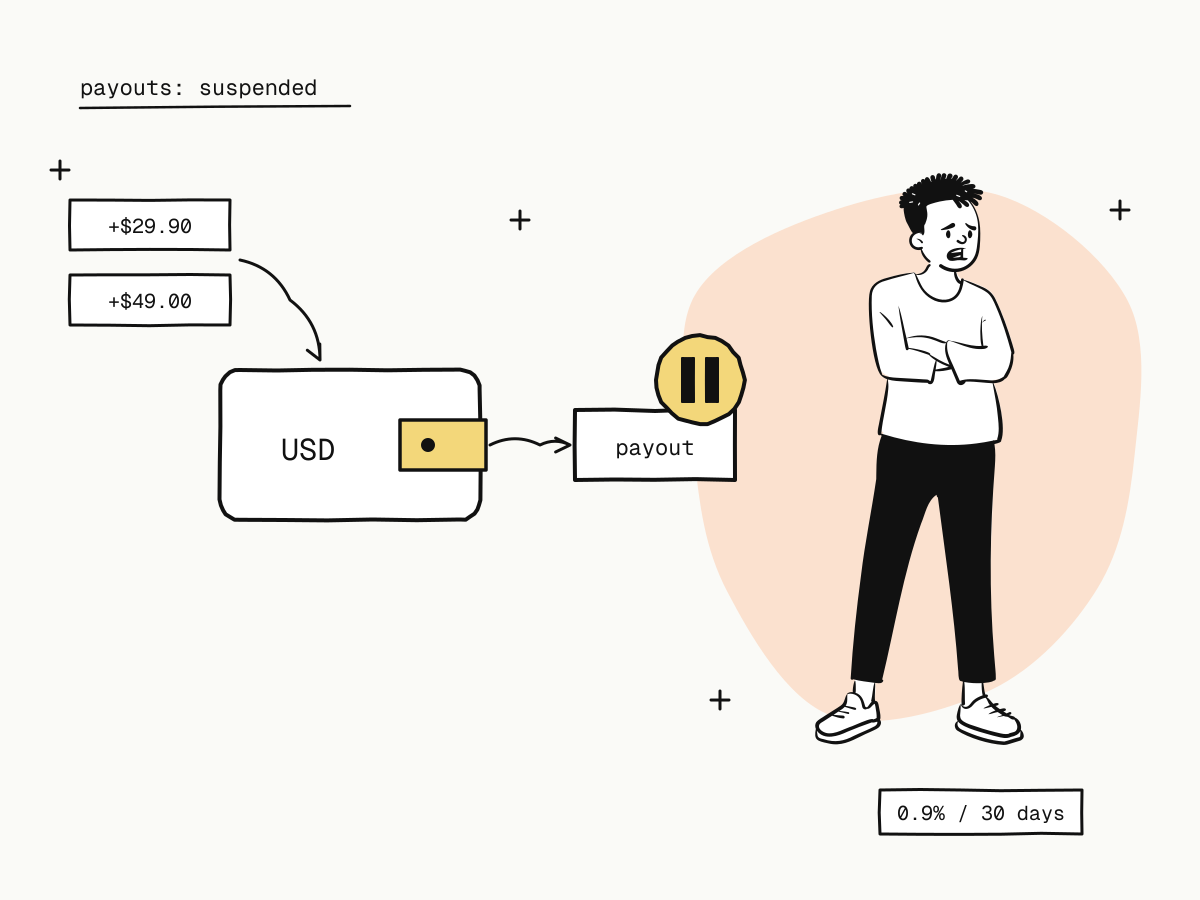
When your payouts are suspended, your payment provider has stopped sending money to your bank account while it looks at something — usually a rise in chargebacks, an identity document that has expired, or a balance that is below zero. It is alarming the first time, but on KukoPay a payout suspension is narrow by design: only payouts stop. You keep taking payments, refunding buyers and answering disputes, and the money you earn meanwhile stays in your balance.
This guide explains the reasons payouts get suspended, what keeps working during a suspension, how to tell which reason applies to you, and how payouts are restored in each case.
What keeps working while payouts are suspended
| Keeps working | Stopped |
|---|---|
| Checkout, orders and payment links | Requesting a live payout |
| Refunds | Completing live payouts already requested — they can only be rejected or marked failed, which returns their frozen funds to your balance |
| Answering disputes and submitting evidence | |
| API access, webhooks, the sandbox |
The suspension is a hold on money leaving, not on your business. A banner on the payouts page shows that payouts are suspended.
Why payouts get suspended
1. Your chargeback rate is too high
The platform watches each merchant's chargeback rate over a rolling 30 days: live disputes opened ÷ live paid orders created.
- Watch — 2 or more disputes and at least 0.65%: the platform is alerted and starts paying attention.
- Hold — 3 or more disputes and at least 0.9%: live payouts are suspended automatically and you are emailed.
0.9% is the level card networks monitor acquirers at; the acquiring account is shared, so the platform acts before a network does. See the chargeback guide.
2. Your identity document has expired (individual merchants)
An individual merchant's verification rests on their identity document. You are emailed 30 days before it expires; once it has expired, live payouts are suspended until the document is renewed. See accepting international payments as an individual.
3. The platform has frozen the account
The platform can freeze an account's payouts after a risk review. It works the same way — payments, refunds and disputes carry on — and the payouts page says so. Contact the platform if you do not know why.
Not a suspension, but it also stops payouts
- A negative balance after a chargeback blocks payouts until later payments cover it — see negative balance explained.
- No approved settlement account — a new or changed payout bank account must pass review first — see payout bank account.
- Nothing withdrawable yet — funds become withdrawable once upstream settlement is confirmed — see what is payment settlement.
How to get payouts restored
| Reason | How payouts come back |
|---|---|
| Chargeback rate hold | The platform reviews the account and lifts the hold by hand. Afterwards, only disputes opened after that can trigger it again |
| Expired identity document | Renew it from the onboarding page — new expiry date, new photos, and the new number if the document was reissued. Once an operator approves it, payouts resume automatically if the expiry was the reason |
| Platform freeze | Contact the platform; it is lifted by an operator once the review is done |
While you wait, nothing is lost: payments keep being credited to your balance and can be paid out once the suspension is lifted.
How to avoid a payout suspension
- Keep disputes down. A recognisable name, receipts, reachable support and prompt refunds stop most disputes before they start — see friendly fraud and refund policy for online stores.
- Answer the disputes you can win. A won dispute still counts as opened, but returns the money — see the chargeback guide.
- Watch your dispute count after a sales spike. The rate is per 30 days, so a burst of disputes on a big campaign weighs heavily.
- Renew your ID before it expires. Act on the 30-day reminder rather than the suspension.
- Keep a buffer in each currency so a chargeback does not take the balance negative.
Summary
- A payout suspension stops live payouts only; payments, refunds, disputes and the API keep working;
- the usual reasons are a chargeback rate at the hold level (3+ disputes and ≥ 0.9% over 30 days), an expired identity document, or a platform freeze;
- a negative balance, an unapproved settlement account or funds not yet withdrawable also stop payouts, without a suspension;
- a chargeback hold is lifted by platform review, an ID suspension by renewing the document, a freeze by contacting the platform;
- keep disputes low, renew documents on time and keep a buffer to avoid one.
Try it in the sandbox
Create a merchant account and request a test key. The sandbox needs no business verification.