Payment success page: what to show after checkout, and how to know the payment really succeeded
How to build a payment success page: what to show buyers after checkout, how to check the order before saying paid, and how to handle a pending payment.
On this page
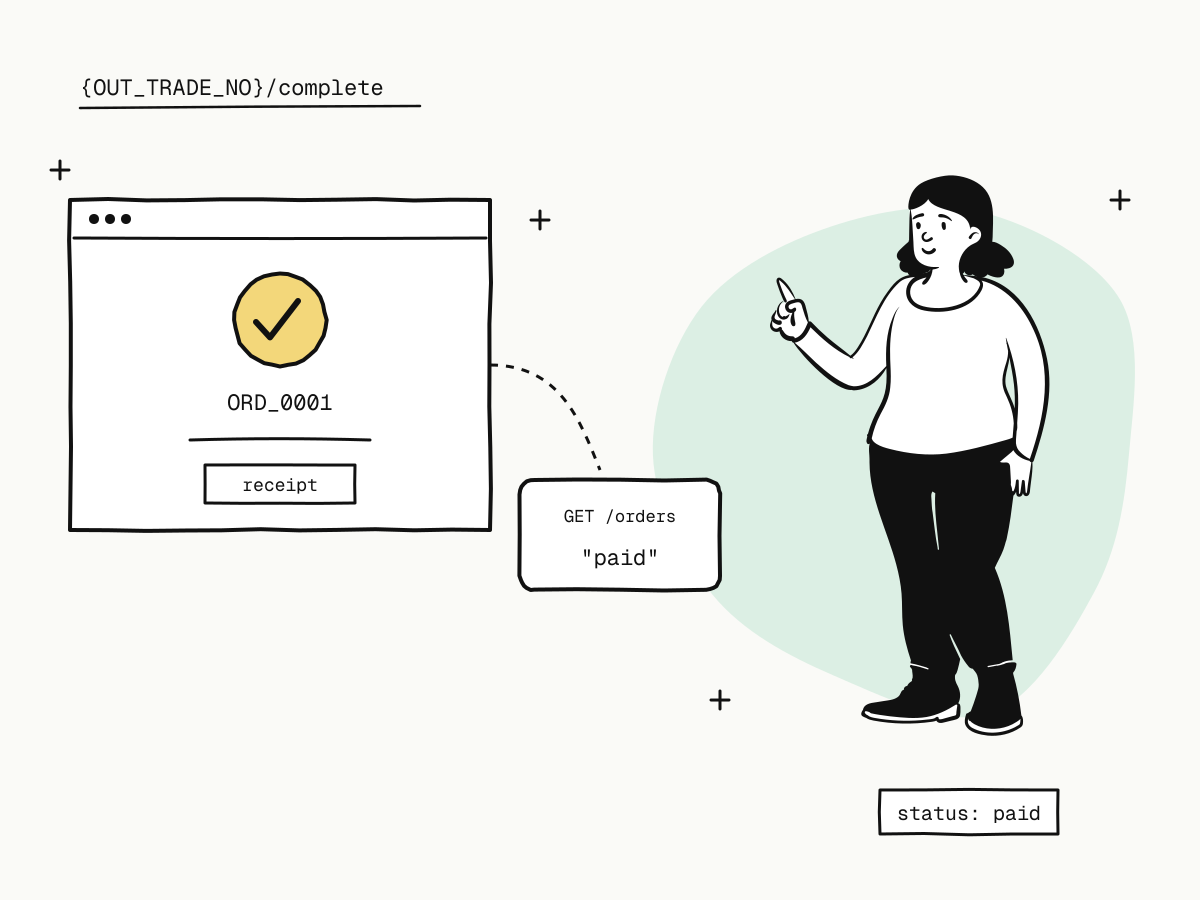
A payment success page is the page buyers land on after paying: it confirms the payment, says what they bought and tells them what happens next. It is also the page most often built wrong, because it is easy to show "Payment successful" just because the buyer arrived there. Arriving proves nothing — a buyer can open the URL by hand, and a payment can still be pending when the redirect happens.
This guide explains what a good payment success page shows, how the buyer gets there from KukoPay's hosted checkout, how to check the order before you say "paid", and how to handle the moments when the answer is not yet known.
What should a payment success page show?
- A clear result — "Payment received" with a visual cue, stated only once your server knows it is true.
- What was bought — the product or plan, the amount and currency.
- A reference — your order number, which is what the buyer will quote to support.
- What happens next — "Your plan is active", "We ship within 2 days", "Check your email for the download link".
- The receipt — a link, or a note that it has been emailed — see payment receipts.
- How to reach you — a support address for anything that looks wrong.
Upsells and sign-ups can come after these, never instead of them.
How the buyer reaches your payment success page
With a hosted checkout, the buyer pays on KukoPay's page and is then sent back to the return_url you passed when creating the order:
- After paying, the checkout shows the receipt and returns the buyer to
return_urlafter about 5 seconds; the buyer can also click to go back at once, or stay. - Reopening a checkout link that is already paid only shows the receipt — it does not redirect again.
Put the order into the URL with placeholders, so one fixed page knows which order came back:
{
  "return_url": "https://shop.example.com/orders/{OUT_TRADE_NO}/complete"
}
{OUT_TRADE_NO} becomes your own order number and {TRADE_NO} KukoPay's. See what is a hosted payment page.
Check the order before you say "paid"
The redirect is for the buyer's experience, not proof of payment. The buyer may never come back, and anyone can type the URL. So the page should ask your own server what state the order is in, and your server should know it from one of two places:
- The webhook.
payment.succeeded, signature verified, is what you fulfil on — see how to verify webhook signatures. - An order lookup. If the webhook has not arrived yet, your server can ask KukoPay directly:
curl "https://api.kukopay.com/v1/orders/ORD_20261116_0001" \
  -H "X-Api-Key: $KUKOPAY_API_KEY"
The status field answers: paid, still pending, or closed as expired / failed. Never take the result from query parameters on the success URL. See return_url vs notify_url for why.
Payment success page states: paid, pending, failed
Design the page for every answer, not just the happy one:
| Order status | What the page should say |
|---|---|
paid | Payment received, what was bought, what happens next, receipt link |
pending | "We're confirming your payment" — refresh the status for a short while (see below) |
expired / failed | The payment did not go through, with a way to try again |
When the payment is still pending
A buyer can arrive before the webhook does, especially after a wallet payment or a 3D Secure check. Show a "confirming" state and have the page ask your server again every few seconds for up to a minute or two. Your server answers from its own records once the webhook lands, or from an order lookup. If it is still pending after that, say you will email the buyer when it is confirmed — and do so from the webhook handler. See payment status explained.
When the buyer never comes back
Some buyers close the tab during the redirect countdown. That is fine: the webhook still arrives, the order is fulfilled, and the receipt email confirms the payment. Never put fulfilment logic on the success page.
Payment success page mistakes to avoid
- Fulfilling on page load. Ship, unlock or email the licence from the webhook handler, once per event id — see payment webhook idempotency.
- Trusting URL parameters such as
?status=success. - Showing "paid" for a pending order. It produces exactly the support tickets the page should prevent.
- Losing the reference. If the buyer only sees "Thank you!", they have nothing to quote when something goes wrong.
- A dead end. Link to the account, the order, or the download — wherever the buyer goes next.
Summary
- A payment success page confirms the result, what was bought, the reference, what happens next, the receipt and how to get help;
- with KukoPay the buyer returns to your
return_urlabout 5 seconds after paying, with{OUT_TRADE_NO}/{TRADE_NO}filled in; - arriving on the page is not proof: check the order on your server, from the webhook or an order lookup;
- design for
paid,pendingandexpired/failed, and keep fulfilment in the webhook handler.
Try it in the sandbox
Create a merchant account and request a test key. The sandbox needs no business verification.