Website requirements for payment gateway approval: a checklist before you apply
Website requirements for payment gateway approval: what reviewers check, the pages a site needs, and the mistakes that get an application sent back.
On this page
When you apply for a payment gateway, your website is part of the application. A reviewer opens it to answer three questions: does this business exist, does it sell what the application says, and can a buyer understand what they are paying for and how to get help? A site that answers those clearly gets through review; a holding page, a mismatch or missing basics is the most common reason an application comes back.
This guide covers the website requirements for payment gateway approval on KukoPay — what the review checks, the pages your site should have, and the mistakes to fix before you apply.
What KukoPay's review checks on your website
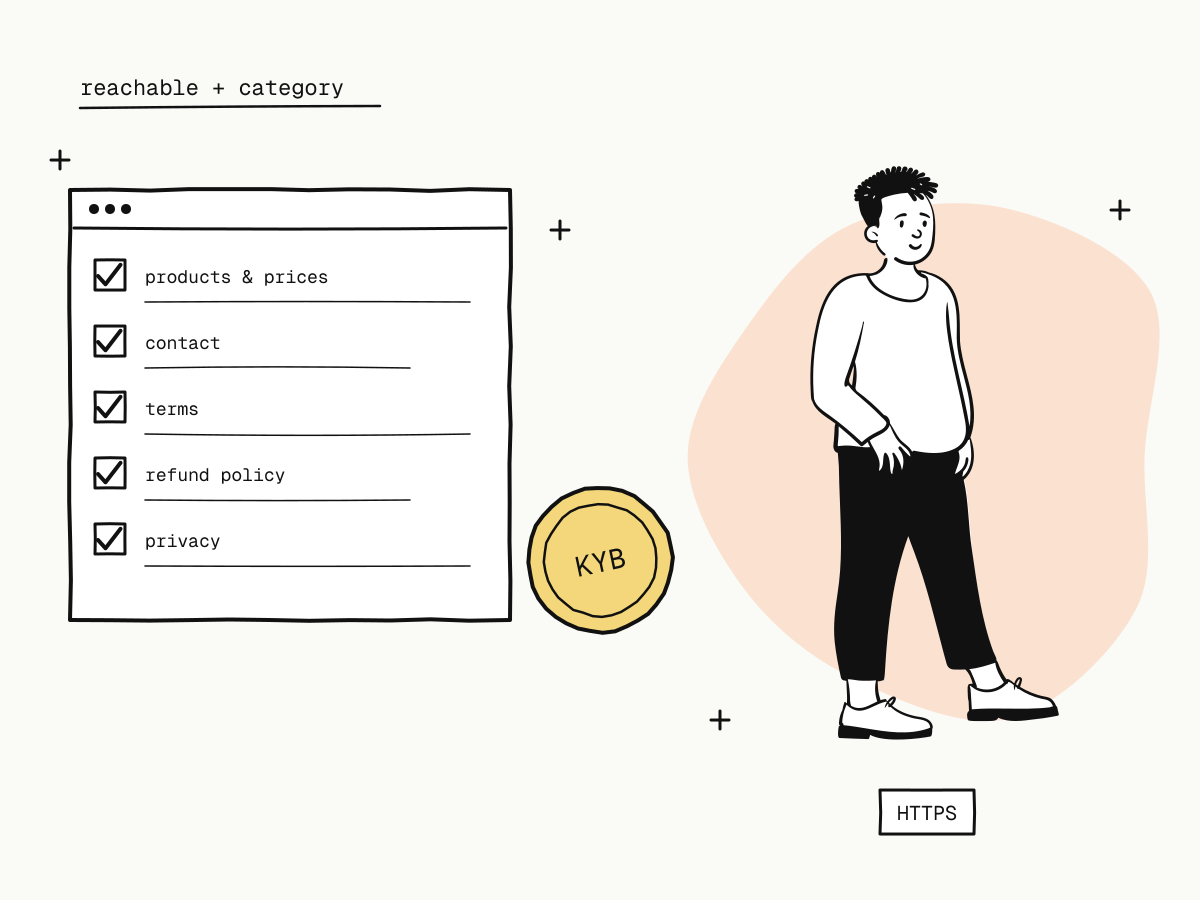
Two requirements come straight from the application rules:
- The website must be reachable. A live address that loads, not a holding page or a site behind a password.
- What it sells must match the category you apply for. The category decides your pricing and risk checks, so a site selling something other than the application says will be questioned.
The reviewer also checks that names match across the application — the company or person verified, the website, and later the payout bank account — see what is KYB verification. And whatever the site sells must be allowed at all — see prohibited businesses.
A website checklist before you apply
Beyond the two rules above, these are the pages and details that let a reviewer — and a buyer — understand your business at a glance:
| Item | What it should show |
|---|---|
| Products or services | What you sell, described clearly enough to match your category |
| Prices | Real prices, in the currency you will charge |
| Business identity | Your business name, matching the verified company or person, typically in the footer or an About page |
| Contact details | An email address that is answered, and other contacts where relevant |
| Terms of service | What the buyer agrees to when they buy |
| Refund and cancellation policy | When refunds are given and how to ask — see refund policy for online stores |
| Privacy policy | What personal data you collect and why |
| Delivery information | How and when the product or service is delivered (download, account access, shipping) |
| HTTPS | The whole site served over HTTPS |
None of these is unusual — they are what any buyer expects from a shop — but each one missing makes a reviewer ask a question, and each question delays approval.
Why these pages matter after approval too
The same pages do work long after review:
- Chargebacks. When a buyer disputes a payment, your refund policy, terms and product description are your evidence — and they count most when the buyer could see them before paying. See the chargeback guide.
- Friendly fraud. A recognisable business name and a contact address that answers stop many disputes before they start — see friendly fraud.
- Payment methods. When you request a new payment method later, the review looks at your business case again — see checkout payment methods.
Common website mistakes that hold up approval
- "Coming soon." A placeholder or under-construction page cannot be reviewed. Launch the catalogue first, even if checkout is not live yet.
- A category mismatch. Applying as one kind of business while the site sells another.
- No prices. "Contact us for pricing" on everything leaves nothing to assess.
- A different name. The site shows a brand nobody can connect to the verified company. Show the legal name somewhere — the footer is enough.
- Copied policies. Terms or a refund policy pasted from another site, naming another business or promising things you do not do.
- No way to reach you. No email, or a form that goes nowhere.
You can build the integration while you wait
The sandbox needs no review. While the website is being finished and reviewed, you can integrate, test payments, refunds and webhooks with sandbox keys, and switch to live keys after approval — see sandbox vs live mode. If an application is rejected, the reason is shown; fix it and resubmit.
Summary
- Your website is part of a payment gateway application: reviewers check that the business exists, sells what it says, and is understandable to buyers;
- on KukoPay the site must be reachable and match the category you apply for, with names that match the verified business;
- before applying, show products, prices, business name, contacts, terms, refund policy, privacy policy and delivery details, over HTTPS;
- the same pages are your evidence in chargebacks later;
- avoid placeholder pages, category mismatches, missing prices and copied policies — and integrate in the sandbox while you wait.
Try it in the sandbox
Create a merchant account and request a test key. The sandbox needs no business verification.